whoop-go & whoop-stats
2 min read
7 views
whoop-go GitHub · whoop-stats GitHub · pkg.go.dev
What you're missing
You like the whoop app, but wish there was a desktop version of it.
You're fine with exporting your whoop data into a csv file every time for a back up, but you really want to own it.
All your whoop data, up in the cloud, and not on your personal hardware.
Why you need this
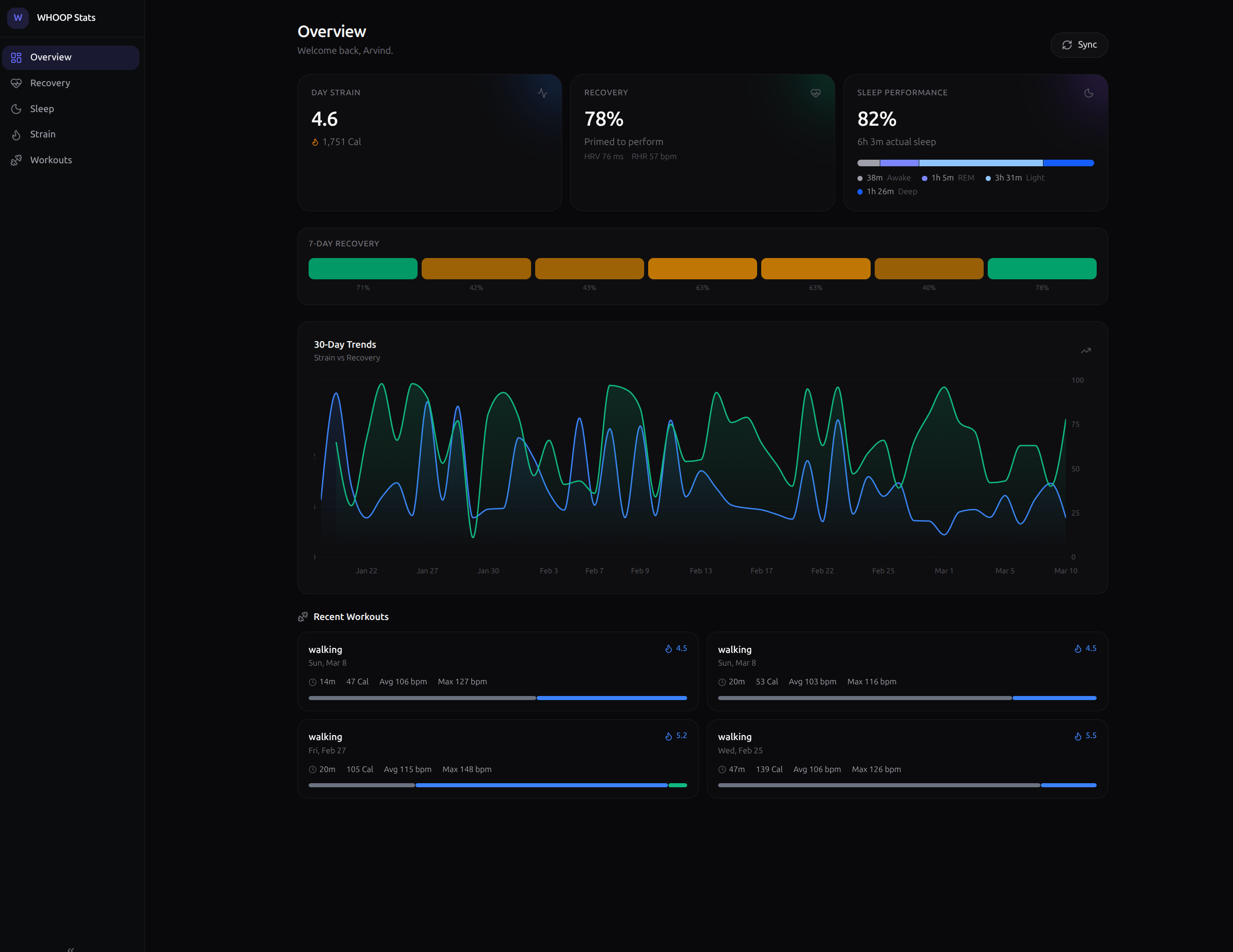
With whoop-go and whoop-stats you can fully own your whoop data and visualize it in a way that you want to.
Whoop-go is for devs who want to easily plug in a fast/lightweight package to access their whoop data, and whoop-stats is for everyone else to self-host a dashboard with their whoop data.
Own your data
How do I get this?
whoop-go (the library)
Prerequisites: Go 1.22+ and a WHOOP Developer OAuth app.
1go get github.com/arvarik/whoop-go/whoop
Generate your OAuth token with the included auth helper:
1export WHOOP_CLIENT_ID="<your_id>"2export WHOOP_CLIENT_SECRET="<your_secret>"3go run cmd/auth/main.go
It opens a browser once for sign-in, then auto-refreshes via .whoop_token.json on future runs.
whoop-stats (the dashboard)
Prerequisites: Docker. That's it.
1git clone https://github.com/arvarik/whoop-stats.git && cd whoop-stats2cp .env.example .env3# Set WHOOP_CLIENT_ID, WHOOP_CLIENT_SECRET, and ENCRYPTION_KEY (openssl rand -hex 16)4docker compose up -d
This spins up the Go backend, a Next.js dashboard, and a TimescaleDB instance. Open the dashboard and complete the one-time OAuth flow. Data auto-syncs on configurable poll intervals.